
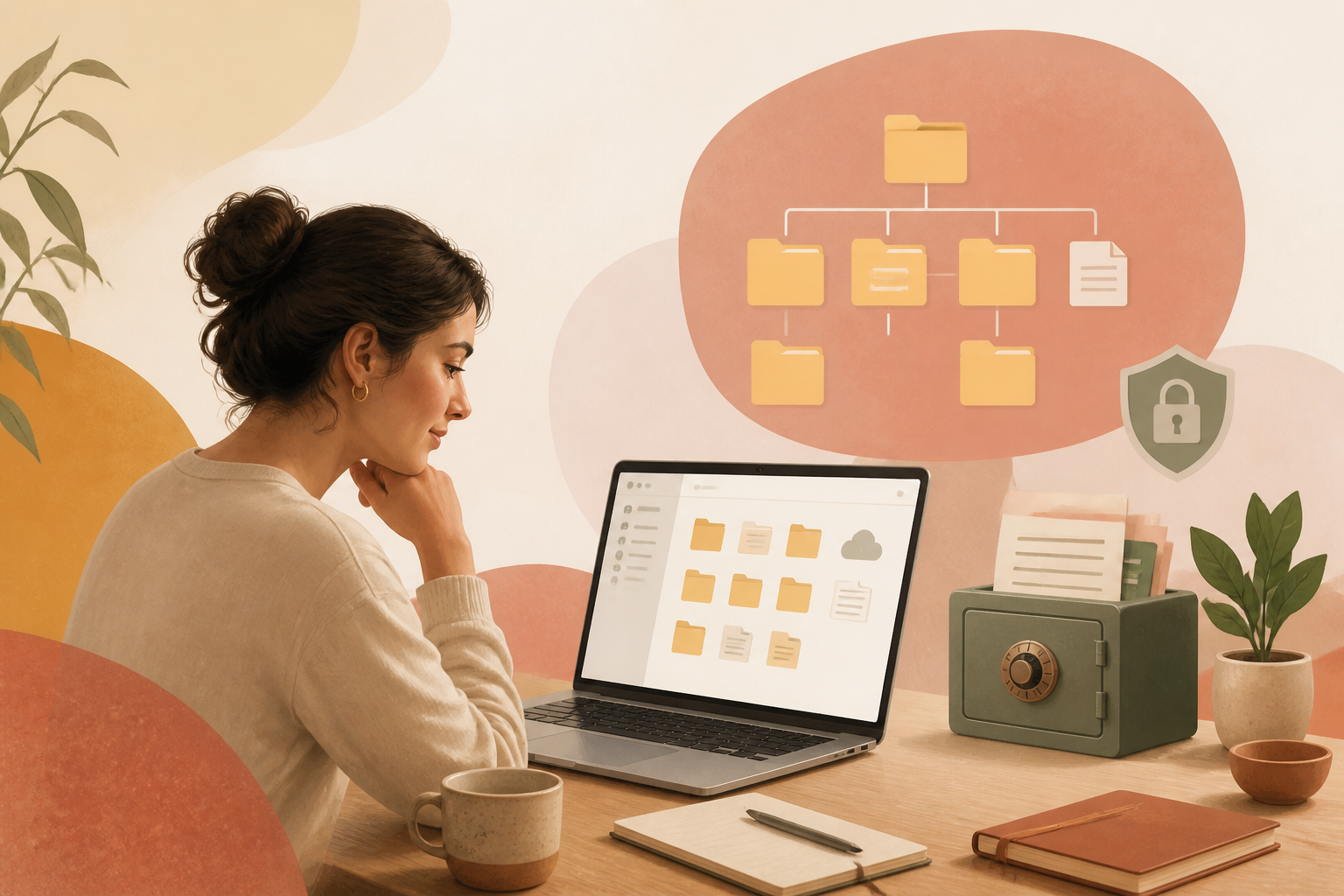
To organize a digital filing system, create a top-level folder for broad categories like Finance, Health, and Property. Use a consistent naming convention, such as YYYY-MM-DD followed by a descriptive title, to ensure files remain in chronological order and are easily searchable. Store these in a secure cloud service with a physical backup.
How do you choose a folder structure that works?
A functional folder structure relies on categorising documents by their purpose rather than their format. Instead of having a folder for PDFs and another for Word documents, group them into life areas such as Housing, Employment, and Taxes. This mirrors how physical filing cabinets operate and reduces the cognitive load required to find a specific item.
When you start, avoid creating too many folders at the top level. Five to seven main folders are usually enough for most households. If a folder contains more than 30 files, it is time to create sub-folders. For example, a Finance folder might contain sub-folders for Bank Statements, Credit Cards, and Pensions. This hierarchy keeps the interface clean and prevents you from scrolling through hundreds of unrelated files.
Step 1: Audit and consolidate your current files
The first step in building a new system is knowing what you already have. Most people have files scattered across email attachments, old USB sticks, desktop downloads, and various cloud services like Google Drive or iCloud. Gather these into one temporary location on your computer. You do not need to sort them yet; just bring them into one "Inbox" folder so you can see the scale of the task.
Delete duplicates immediately. It is common to have three versions of the same CV or multiple copies of a single utility bill. Use a basic search to find files with "(1)" or "copy" in the name, as these are usually redundant. Once you have a single source of truth, you can begin the sorting process without the distraction of clutter.
Step 2: Establish a naming convention
Consistent naming is the most important part of a digital filing system. Without it, you are forced to rely on your computer’s search function, which is often unreliable if files are named "Scan_001.pdf" or "Document1". A logical name tells you what the file is, who it relates to, and when it was created without needing to open it.
Standardise your format. The ISO 8601 date format (YYYY-MM-DD) is highly recommended because computers sort this numerically. A file named "2023-05-12-Water-Bill.pdf" will always appear before "2024-01-10-Water-Bill.pdf".
- Use hyphens or underscores instead of spaces for better compatibility across different operating systems.
- Keep names descriptive but short; aim for under 30 characters where possible.
- Avoid generic terms like "Final" or "Latest" which become meaningless within weeks.
- Include a version number (v1, v2) if the document is a draft you are actively editing.
Step 3: Categorise by life area
Create your top-level folders based on the permanent pillars of your life. This ensures that even as your circumstances change—such as moving house or changing jobs—the system remains relevant. Below is a standard framework that works for the majority of UK residents.
| Top-Level Folder | Common Sub-Folders | Typical Documents |
|---|---|---|
| 01 Finance | Banking, Pensions, Investments | Monthly statements, tax returns, ISA letters |
| 02 Housing | Mortgage, Utilities, Maintenance | Tenancy agreements, council tax bills, energy certificates |
| 03 Employment | Contracts, Payslips, Training | P60s, offer letters, certificates, CVs |
| 04 Health | Medical, Dental, Fitness | Prescriptions, vaccination records, test results |
| 05 Personal | Identity, Travel, Legal | Passport copies, birth certificates, insurance policies |
For more advice on managing these categories, you may find our life hacks section helpful for streamlining daily admin. Maintaining this structure requires discipline, but it ensures you can find any document within three clicks.
What is the best way to handle digital backups?
A digital filing system is only effective if the data is safe from hardware failure or accidental deletion. The gold standard for data protection is the 3-2-1 rule: keep three copies of your data, on two different media types, with one copy stored off-site. For most people, this means keeping the original files on a computer, a backup on an external hard drive, and a second backup in a secure cloud service.
Cloud storage providers like Dropbox, OneDrive, or Proton Drive offer encryption and synchronisation. This means when you save a file to your "Finance" folder on your laptop, it automatically updates in the cloud. However, do not rely on the cloud alone. A physical hard drive kept in a drawer provides a safety net if you lose access to your online account. Perform a manual backup to this drive at least once every three months.
Step 4: Digitize your physical paperwork
Once your digital structure is ready, you should aim to reduce your physical paper trail. Use a mobile scanning app or a dedicated document scanner to convert physical mail into PDFs. Set the resolution to 300 DPI (dots per inch) for a balance between clarity and file size. Most UK banks and utility providers now allow you to opt-in to paperless billing, which prevents the clutter from building up in the first place.
If you are looking to improve other areas of your lifestyle, you can read more about personal development and building productive routines. Once a document is scanned and named according to your new convention, shred the original unless it is a "wet-ink" document that requires a physical copy by law (such as a property deed or a birth certificate).
Step 5: Maintain the system
A filing system fails when the "Inbox" becomes a permanent storage space. Set a recurring calendar reminder for the last Sunday of every month to spend 15 minutes clearing your downloads folder and sorting new documents into their respective homes. This prevents the "to-be-filed" pile from becoming an overwhelming weekend task.
Review your top-level folders once a year. If you have started a new business or taken on a new hobby that generates a lot of paperwork, create a new category. Keeping the system flexible ensures it grows with you rather than becoming a source of frustration. For broader advice on managing your household, visit our wealth knowledge base.
Frequently asked questions
Should I use tags instead of folders?
Tags are useful for cross-referencing, such as marking all files related to "Tax 2024" across different folders. However, a folder-based system is more reliable as it is supported by every operating system and is easier to migrate between devices. Use folders as your primary structure and tags as a secondary search tool.
How long should I keep digital copies of my records?
In the UK, it is generally advised to keep tax-related documents for at least 22 months after the end of the tax year they relate to. For self-employed individuals, this increases to 5 years. Insurance policies and contracts should be kept for as long as they are active, plus a further year to cover potential claims.
Is it safe to store sensitive documents like passports in the cloud?
Yes, provided you use a reputable service and enable two-factor authentication (2FA). For highly sensitive files, you can encrypt the individual file with a password before uploading it. This adds an extra layer of security so that even if your cloud account is compromised, the specific document remains unreadable.
What file format is best for long-term storage?
PDF (Portable Document Format) is the industry standard for document preservation because it looks the same on every device and is widely supported. For photos, JPEG or PNG are standard, though TIFF is better for high-quality archives. Avoid proprietary formats that require specific, paid software to open.
How do I start if I have ten years of backlogged files?
Do not try to sort everything at once. Create an "Archive" folder and move all old files into it. From today, file every new document into your new system. When you need an old file, find it in the archive, rename it correctly, and move it into the new structure. Over time, your most important old documents will naturally migrate to the new system.